Contents (11)
The right mix of plugins decides whether your WooCommerce shop runs smoothly. I introduce five plugins that I use in almost every client project.
Key takeaways
- SEO, payments, design, subscriptions, analytics – the five most important plugin categories.
- All plugins can be set up without any coding knowledge.
- Fewer plugins are often better than too many.
1. WooCommerce SEO
Without SEO, no one finds your shop. Yoast SEO or Rank Math help you optimise product pages for Google (SEO Tips for WooCommerce Shops). Enter keywords, write meta descriptions, generate an XML sitemap. That takes 5 minutes per product. It is worth it.
2. WooCommerce Payments
Customers want to pay quickly. WooCommerce Payments processes payments directly in your shop (Payment Methods in WooCommerce). No redirecting to external pages. That reduces abandoned purchases. Alternatively, Stripe or Mollie work well too.
3. Elementor for WooCommerce
Standard product pages often look dull. With Elementor you design individual layouts via drag and drop (Elementor vs. Other Page Builders). Larger product images, better-structured descriptions, more eye-catching call-to-action buttons. No coding knowledge required.
4. WooCommerce Subscriptions
Recurring revenue is the goal of many shop owners. With the Subscriptions plugin you offer monthly boxes, software licences or memberships. The payments run automatically. Less effort for you.
5. WooCommerce Analytics
What sells well? Where do customers drop off? WooCommerce Analytics delivers the answers (Sales Strategies for Your WooCommerce Online Shop). Revenue, orders, customer behaviour – everything at a glance. Without data you make decisions in the dark.
Five plugins that make your WooCommerce shop better. Only install what you need. Every plugin costs performance. My advice: less is more.
If your shop is built with Elementor: For custom product and category pages I use JetWooBuilder, and for product filters JetSmartFilters. With large product ranges, an order list built with JetProductTables can make sense.
Frequently asked questions
What are the best WooCommerce plugins?
Yoast SEO for search engine optimisation, WooCommerce Payments or Stripe for payments, Elementor for design, Subscriptions for recurring billing and the built-in Analytics feature.
How do I install a WooCommerce plugin?
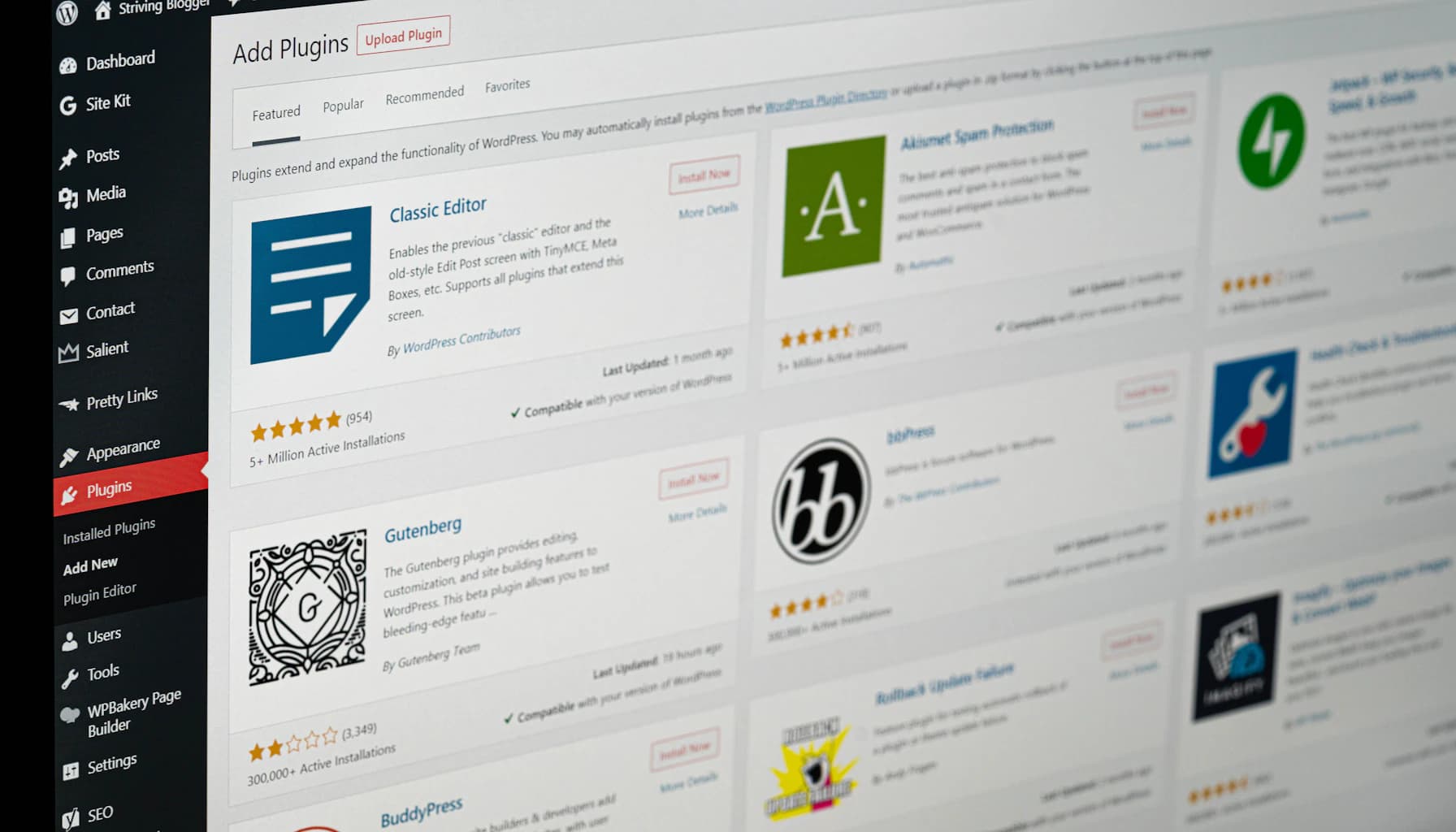
In the WordPress dashboard go to Plugins > Install. Search for the desired plugin and click Install Now.
Do I need special skills to use WooCommerce plugins?
No. Most plugins are built so that you can set them up without technical knowledge. Basic WordPress skills are enough.
Newsletter
WordPress know-how by email
New guides and practical tips on WordPress, Elementor and WooCommerce. No spam, unsubscribe any time.