Contents (10)
You use Elementor for your WordPress website and want to process form data automatically? Zoho Flow makes that possible. Without any programming knowledge. I'll show you how the connection works and what to look out for.
Why combine Elementor and Zoho Flow?
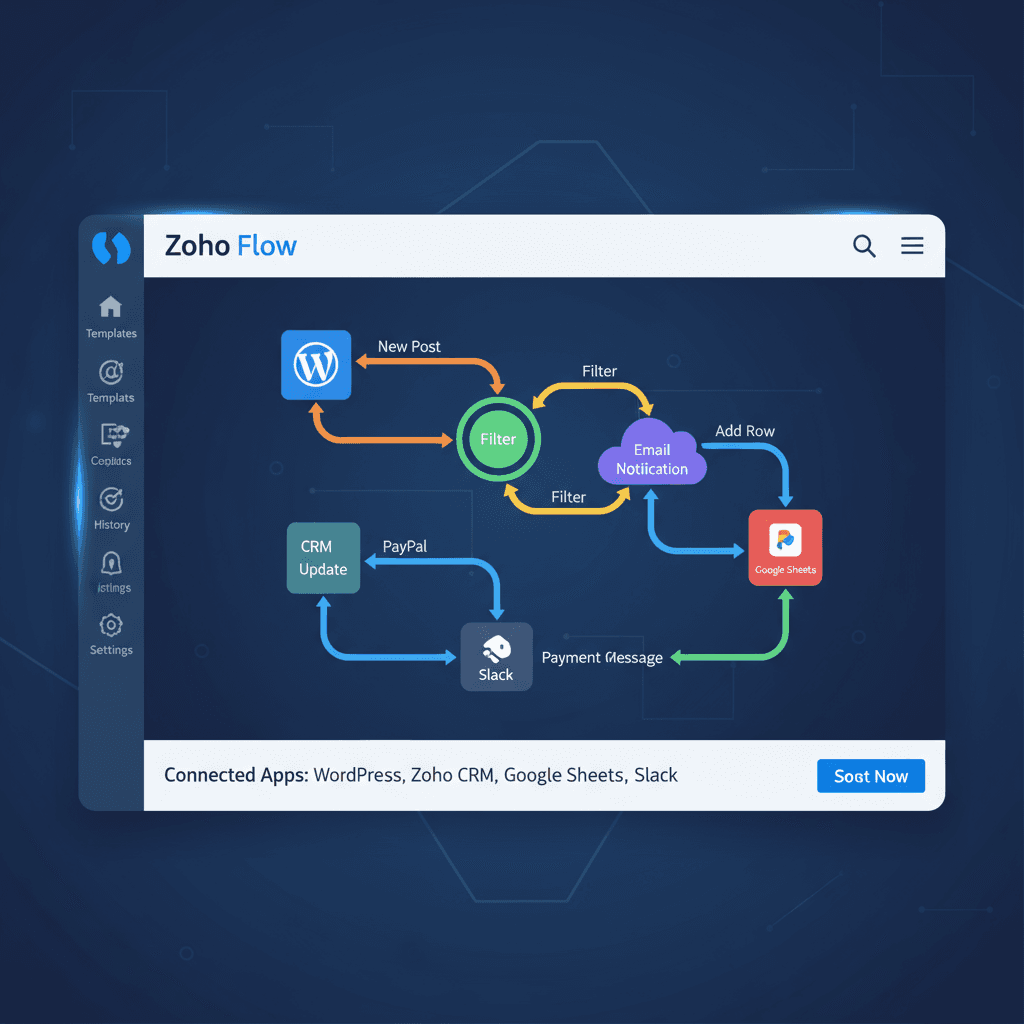
Elementor Pro has a built-in form function. Contact requests, newsletter sign-ups, lead generation. Zoho Flow connects these forms with over 1,000 other apps. Zoho CRM, Google Sheets, Slack, email marketing tools.
My experience: the combination saves hours every week. No more transferring data manually. Especially useful if you regularly receive enquiries or leads.
How to connect Elementor forms with Zoho Flow
1. Activate Elementor Pro
Forms are only available in Elementor Pro. Without Pro, there is no form function.
2. Set up Zoho Flow
Sign in to Zoho Flow. Create a new flow.
3. Choose a trigger
Select „Elementor Pro“ as the trigger, then „Form submission added“. The workflow starts automatically with every form submission.
4. Connect Elementor with Zoho Flow
Follow the on-screen instructions. Zoho Flow needs your WordPress login credentials.
5. Define an action
What should happen with the form data? Examples:
- Add the data as a new lead in Zoho CRM
- Write information to a Google Sheet
- Send an email notification to you
6. Map the data (mapping)
Map the form fields to the fields in the target app. „E-Mail“ from the form becomes „E-Mail-Adresse“ in Zoho CRM.
7. Test and activate
Test with a sample form. Does it work? Activate the flow. From now on, the automation runs in the background.
Practical tips
- Check with every new lead whether the email address already exists. This avoids duplicates in your CRM.
- Use conditions in Zoho Flow. That way, different form content triggers different actions.
- Document your workflows. Later changes will then go faster.
- Start small. First a contact form to email. Then expand step by step.
My experience
I have worked with WordPress for over 8 years. Elementor and Zoho Flow are a strong combination. Especially for businesses without their own IT department. Setup is easy, and the time savings are noticeable.
Get started now
Try out the automation with Elementor and Zoho Flow. You'll notice the time savings from day one.
Questions about the setup? Or do you need a tailored solution? Get in touch with me – I'm happy to help.
Frequently asked questions
What is Zoho Flow and what is it used for?
Zoho Flow is an automation tool that connects various apps with each other. For example, it forwards Elementor form data automatically to Zoho CRM, Google Sheets or other services.
How do I connect an Elementor form with Zoho CRM?
Create a new flow in Zoho Flow, choose Elementor as the trigger and Zoho CRM as the action. Then map the form fields to the CRM fields.
Is Zoho Flow GDPR-compliant?
Yes. Zoho offers EU data centres and a data processing agreement (DPA). When setting it up, choose the EU region.
Further reading
- Elementor Training: Professional Training Options
- Automation with Zoho One Suite and Elementor – Your Complete Business Solution
- Elementor Basics: Beginner Tutorial for WordPress
- Why Elementor Is the Best Page Builder for WordPress
- Connecting Elementor Pro to Newsletter Tools – The Best Options Compared
Elementor Pro: The form widgets this automation runs on are part of the Pro version of Elementor. View Elementor Pro
Newsletter
WordPress know-how by email
New guides and practical tips on WordPress, Elementor and WooCommerce. No spam, unsubscribe any time.